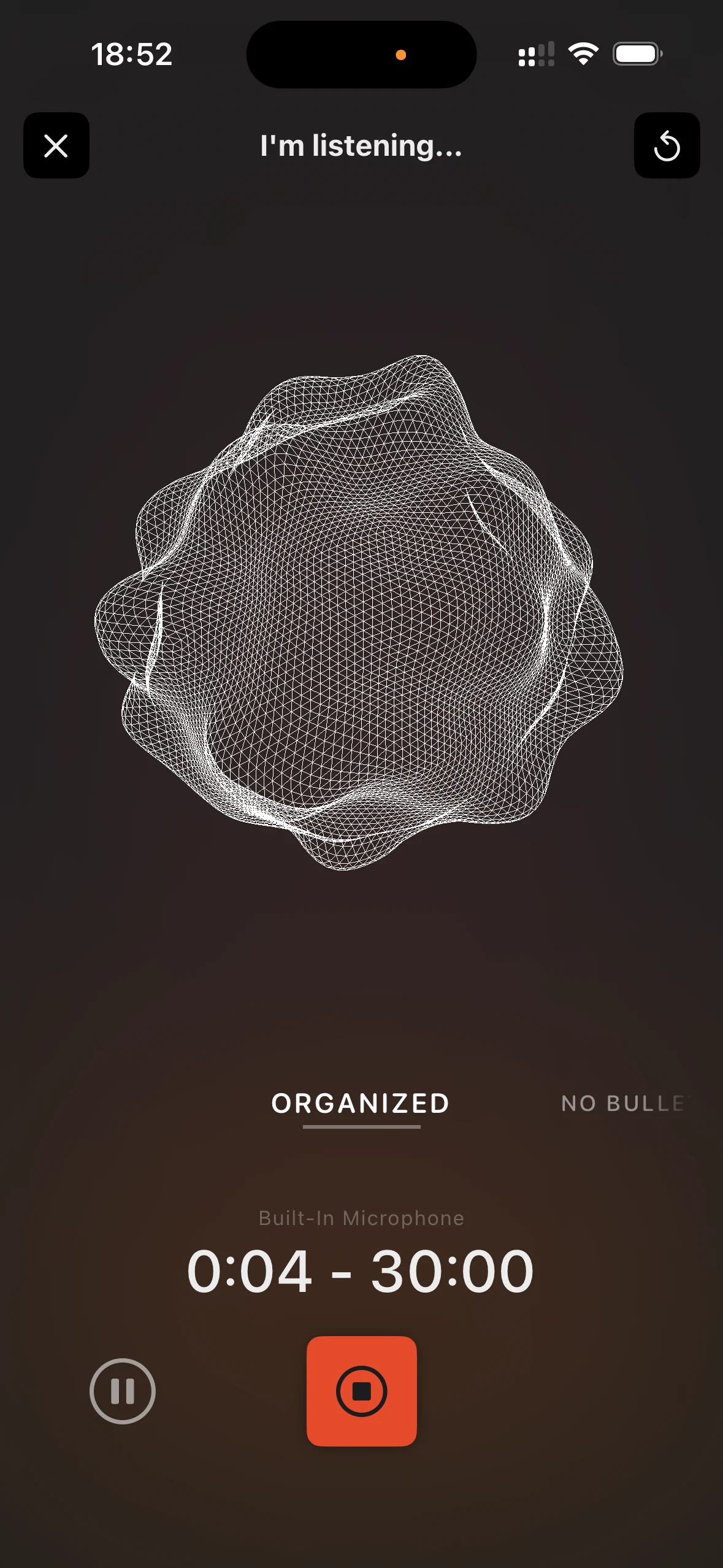
Organised
Onboarding review - Clarify the sign-in copy. - Rename the export step. - Mention that transcription happens on device.
Capture, not organization, is where Cleft starts. It opens fast, works offline, and turns voice into notes you can use across iPhone, iPad, Mac, Apple Watch, and CarPlay.
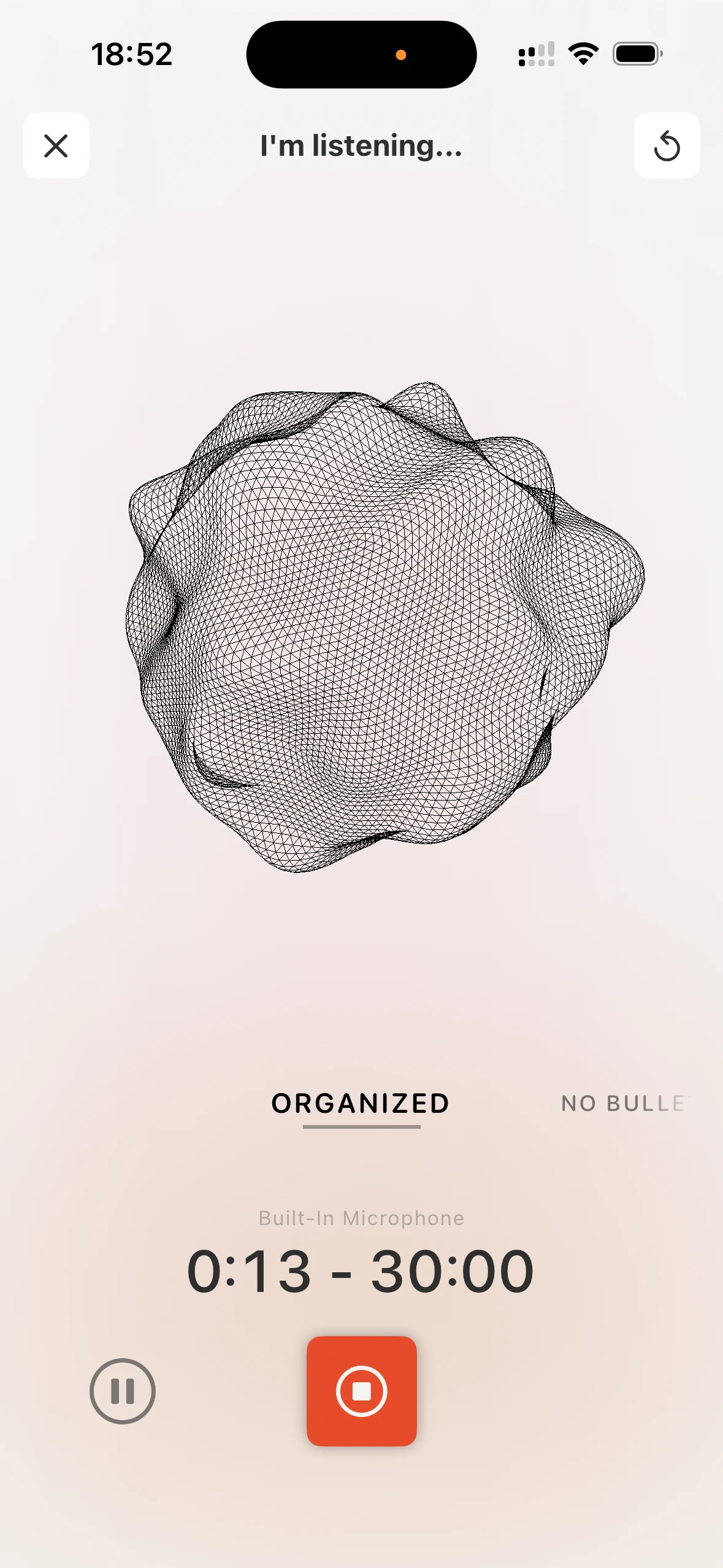
Sign in once. Capture on-device, work offline, and send finished notes wherever you already organize.
Capture freely because transcription runs on your phone, tablet, or Mac. Signed-in notes can still sync securely, so your thoughts follow you.
Speak in whatever language feels natural. Switch mid-sentence if you want. The AI figures it out. No setup, no language packs.
Planes, subways, hiking trails, basements with zero signal. Cleft records and transcribes your voice right on your device, no connection needed. Notes finish organizing into a clean summary once you are back online.
Ramble for five minutes and get back a clean note with a title. The thought is safe before it has time to vanish.
Organised, No bullets, and Verbatim cover common note shapes. Save custom styles for formats you use often.
Had another thought about that project? Record again and append it to an existing note. One note per topic, no matter how many sessions it takes.
Capture first, then tag by project, topic, or whatever system works for you. Search across everything when you are ready.
Tell Cleft how a reusable style should read, then pick it from the dial before recording.
Navigate, record, search, and organize without lifting your hands from the keyboard. Full shortcut support on iPad and Mac.
Send notes to Notion, Apple Notes, Zapier, Obsidian, Bear, NotePlan, Drafts, Ulysses, and Logseq, or any app via the share sheet. Cleft handles capture, not organization.
Every note keeps the original recording. Tap play to hear exactly what you said, in your own voice, with all the context.
Record on your Apple Watch during a walk. Edit on your iPhone over coffee. Review on your Mac at your desk. Same notes, everywhere.
Raise your wrist, tap record, talk. The Watch app works independently. No phone needed. Notes sync when you're back in range.
Meetings, lectures, long walks with big ideas. Plus gives you 30 minutes per recording so you never have to cut yourself short.
Your note copies to your clipboard the moment it's ready. Paste it straight into an email, a doc, or wherever it needs to go.
Attach photos and documents to your notes for context. Snap a whiteboard, attach a PDF, keep everything in one place.
Share a note with anyone via a link. Add a password if it's sensitive, then send a readable page.
Send notes straight to Notion or connect to 5,000+ apps through Zapier. Cleft fits into how you already work.
One subscription, up to 5 family members. Everyone gets their own notes and settings. Share the cost, not your thoughts.
Talk in circles, go on tangents, repeat yourself. The AI cleans it up into clear, organized notes without losing your meaning.
Questions go straight to Jonathan or Justin. Plus subscribers get faster, personal responses from the people who built it.
Start recording from your Lock Screen, see progress in the Dynamic Island, or tap the Control Center button. Capture without even opening the app.
iPhone 15 Pro and later. Press the side button, you're recording. No unlock, no app launch, no fumbling. Thought captured.
'Hey Siri, take a note.' Works hands-free. Plus 10+ Shortcuts actions so you can build automations that fit how you think.
Not everything needs voice. Create text-only notes with Cmd+N on Mac or the text button on iPhone. Same organization, no recording needed.
Notes auto-export as .md files for Obsidian, Bear, NotePlan, Drafts, Ulysses, and Logseq on iPhone, iPad, and Mac. Talk into Cleft, find it where you write.
Clean up your notes with bold, headings, code blocks, lists. Full keyboard-driven formatting on Mac so you can polish without switching apps.
Close mid-recording, switch apps, or lock your phone. Reopen Cleft and pick up exactly where you left off. Nothing lost.
Output styles
Pick Organised, No bullets, or Verbatim from the dial. Save custom styles for repeat formats.
What you said
I need to review the onboarding flow. The sign-in copy is confusing, the export step needs a clearer label, and we should mention that transcription happens on device.
Choose on the dial
Need another format? Open the Cleft Cookbook
Onboarding review - Clarify the sign-in copy. - Rename the export step. - Mention that transcription happens on device.
Review the onboarding flow by tightening the sign-in copy, making the export step easier to understand, and noting that transcription happens on device.
I need to review the onboarding flow. The sign-in copy is confusing, the export step needs a clearer label, and we should mention that transcription happens on device.
Not a web app in disguise. Built specifically for each platform with its own UI, shortcuts, and capabilities.
Wall of love
The output formats are awesome and the prompt engineering they've done behind it really is thoughtful.
I was in the testing pool and it was incredible, borderline life changing. Was happy to finally subscribe.
Cleft caught my verbal processing of a new idea and turned it into something that actually looks like a great idea.
As someone with ADHD who's a little spacey but has a lot to do, this app is very helpful.
This is a natural application for AI: taking spoken content, summarizing it, and categorizing it into a workable outline. Cleft is already successfully doing that.
I have very quickly adapted to using Cleft for longer notes and rambles that I want to use as structured text.
It's not often you find apps that raise the bar like Cleft. You are onto something here.
I dictate meeting notes after a meeting when note-taking is not an option. Doctor's visits work especially well.
I was interested in using it both because it has been made by neurodivergent people, and to see how it might work better with my neurodiversity.
Loving the iOS app. Great way to start the morning. Speak your thoughts and let Cleft do its magic!
You simply hit a button and speak. It then transcribes your voice note and summarizes it all for you. Honestly it's a game changer.
I'm not worried about taking notes because it's grabbing everything, so I can be more present in whatever's going on.
I just did my first note and it's amazing. It created a checklist from all the things I said!
Your brain can take a sigh. All I have to do is say whatever's on my mind, and Cleft wraps it right into Notion.
I press the widget on the Lock Screen and speak my thoughts. It does a great job even if my ramblings weren't entirely coherent. It's like a buddy telling me what they understood.
Cleft has become one of the tools I use on a daily basis. I mostly use it to write down summaries of my meetings and my thoughts about them. Amazing work!
The power of externalizing thinking through verbal processing, and of voice tools like Cleft for organizing disorganized thinking, especially for those of us who are wired differently.
Fits my brain like a glove. It's been a game changer, letting me capture ideas and draft documents without losing my flow.
I need five minutes with Cleft to go from 10% of a rough draft to 50% of a completed article, all through speaking my ideas rather than writing them down.
Finally, AI-powered note-taking that works exactly as it should. I try dozens of new AI tools and most I use exactly once. I've used Cleft three times just this evening.
The most useful thing about Cleft is helping me get from zero to one. It's the fastest voice-to-draft solution I've found, and I've tried other apps.
Huge fan of Cleft. It genuinely helped me through anxiety and depression by letting me pour out thoughts and revisit them.
Fast by default. 5 minutes per recording. On-device transcription. Sign-in required.



Want more? See pricing