Talkitout.Getastructurednote.
Capture thoughts before they vanish, then send the finished note to Notion, Apple Notes, Obsidian, or wherever you already keep notes.


Fast by default. On-device transcription. Built for Apple devices.
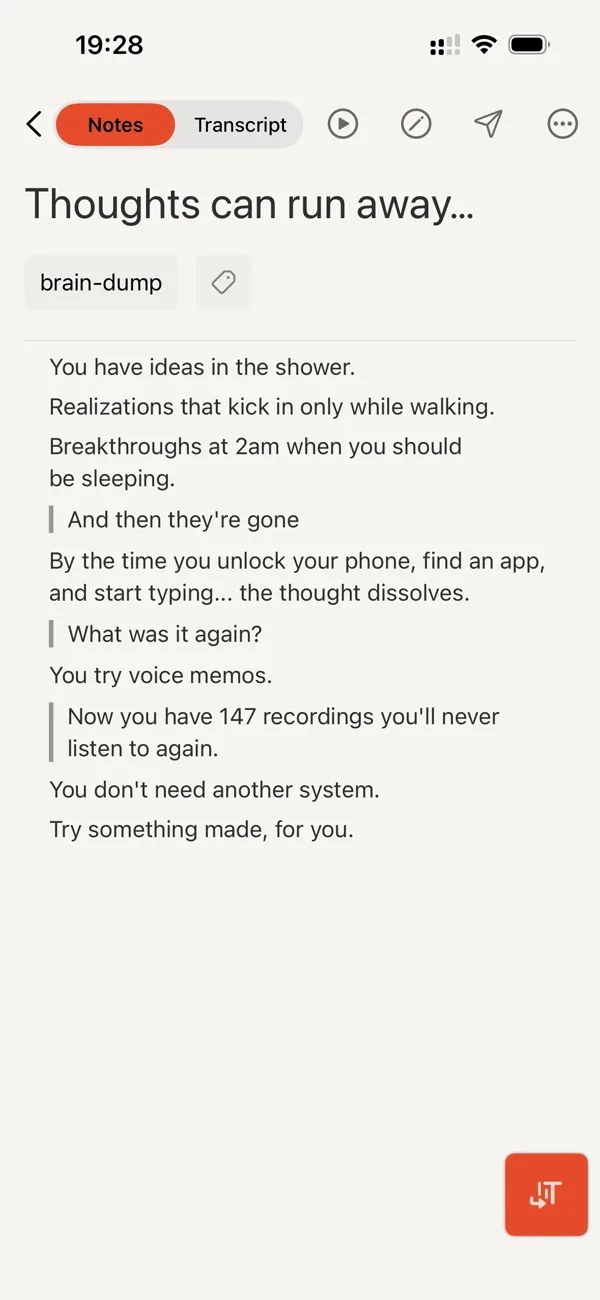
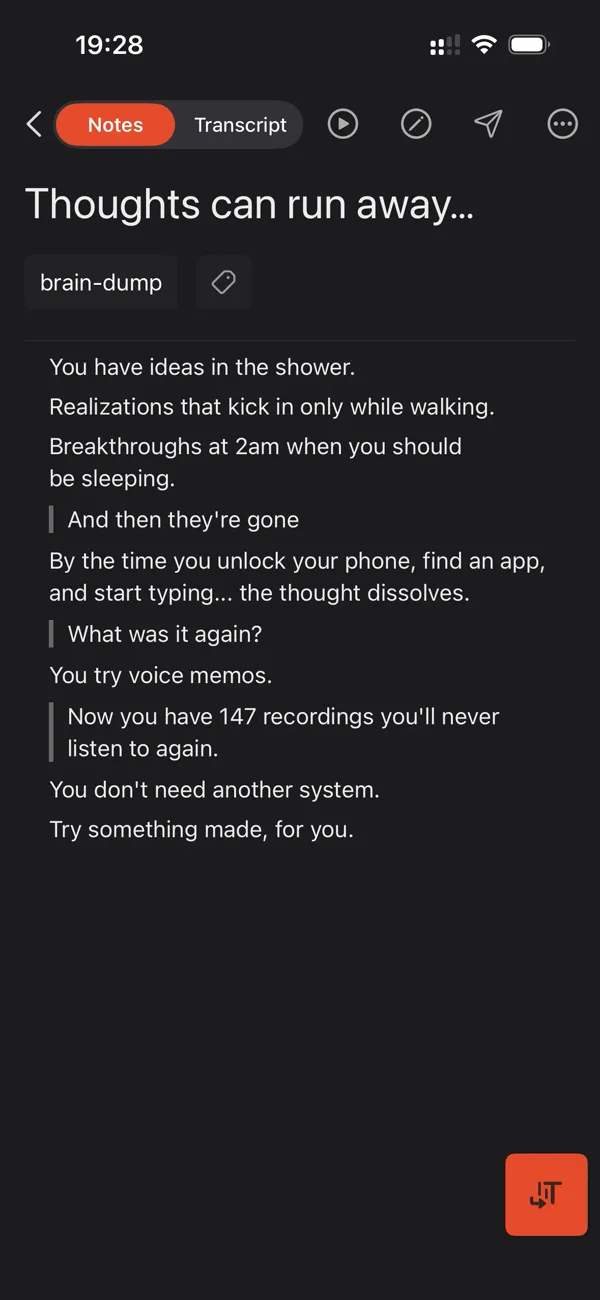
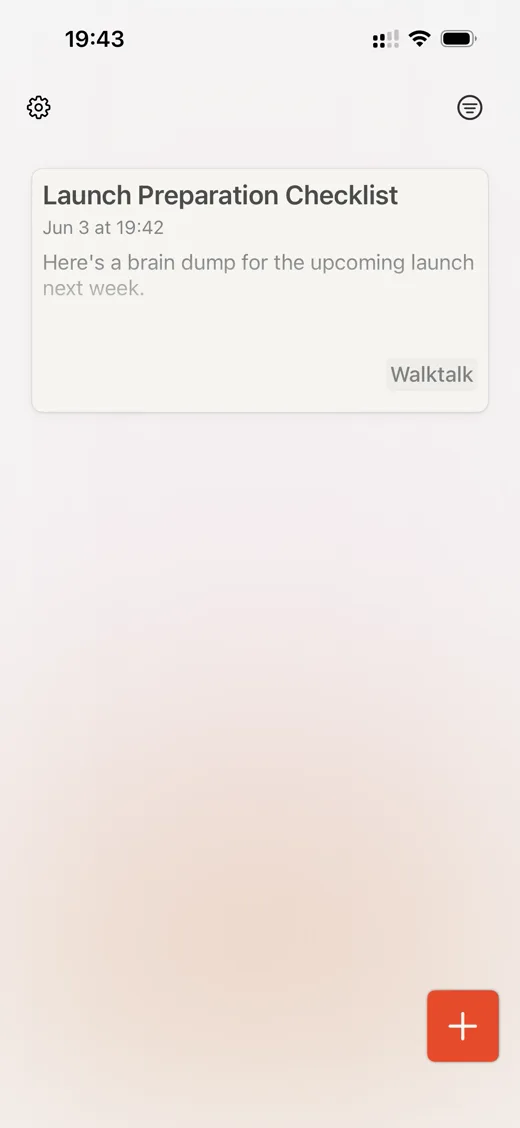
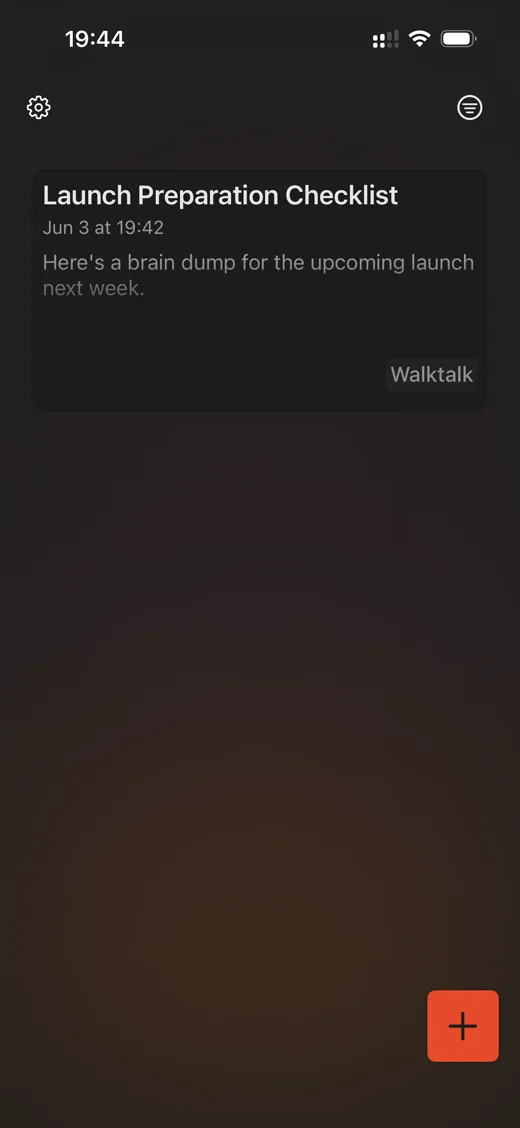
Fast by default. On-device transcription. Built for Apple devices.
How it works
Three taps. Zero typing.
Talk it out. Cleft cleans it up. Your note is ready to use.
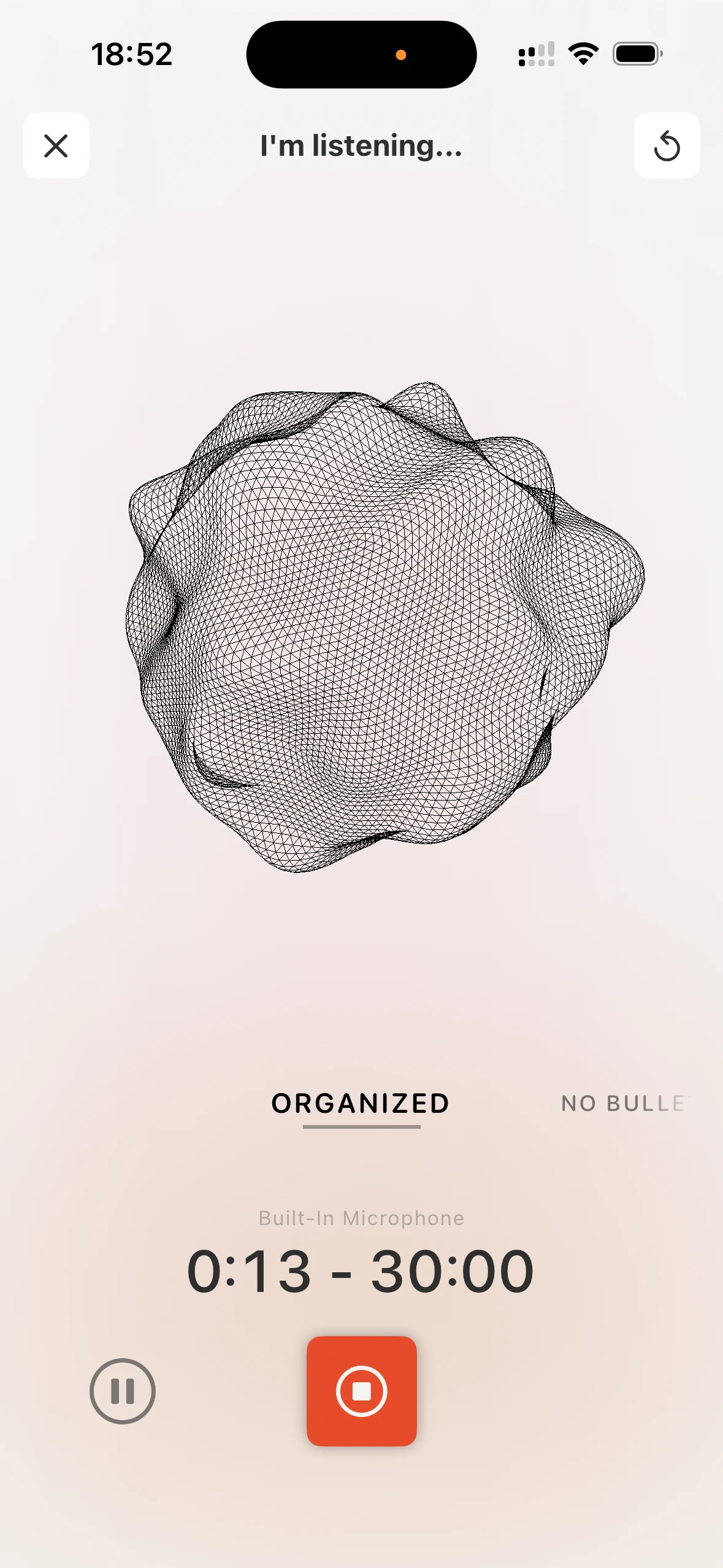
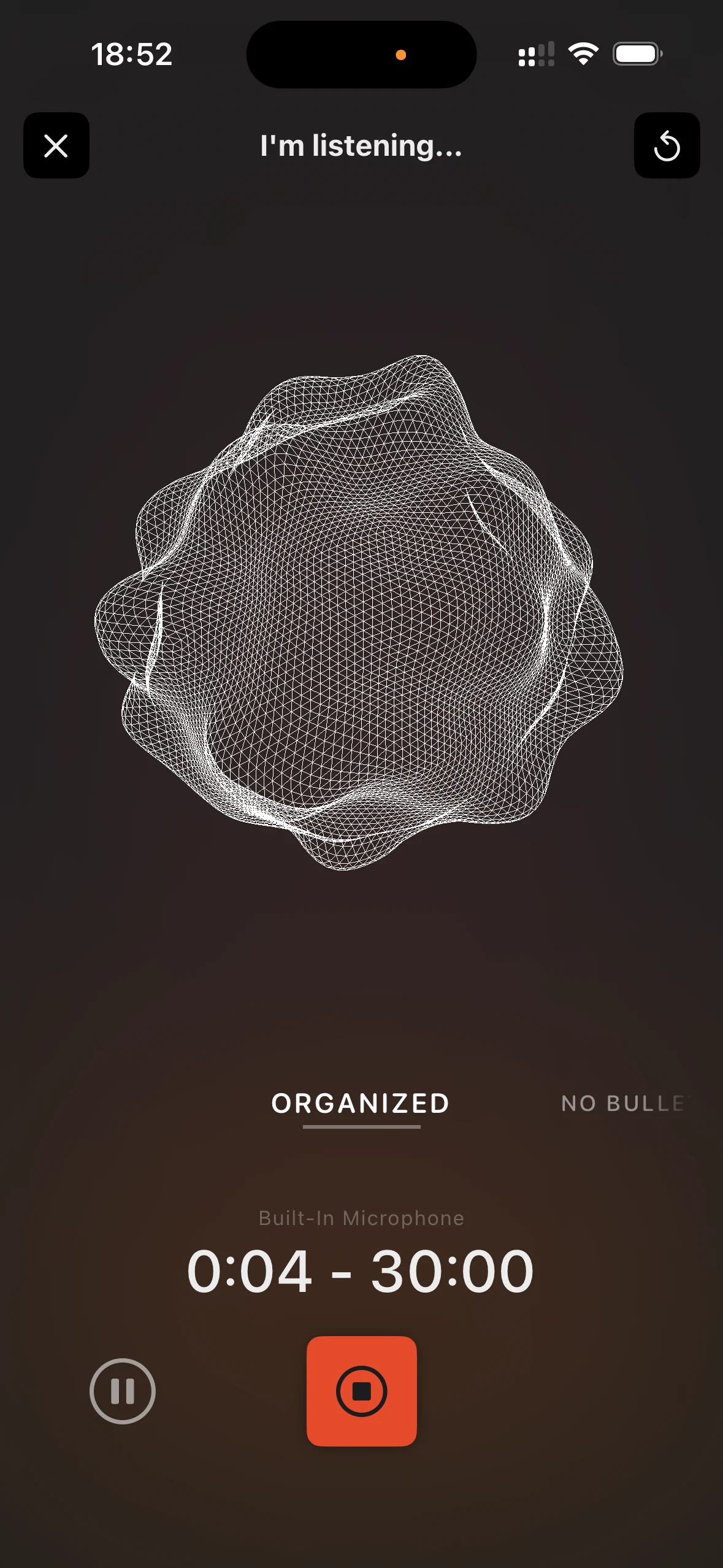
Talk
Talk. Don't type.
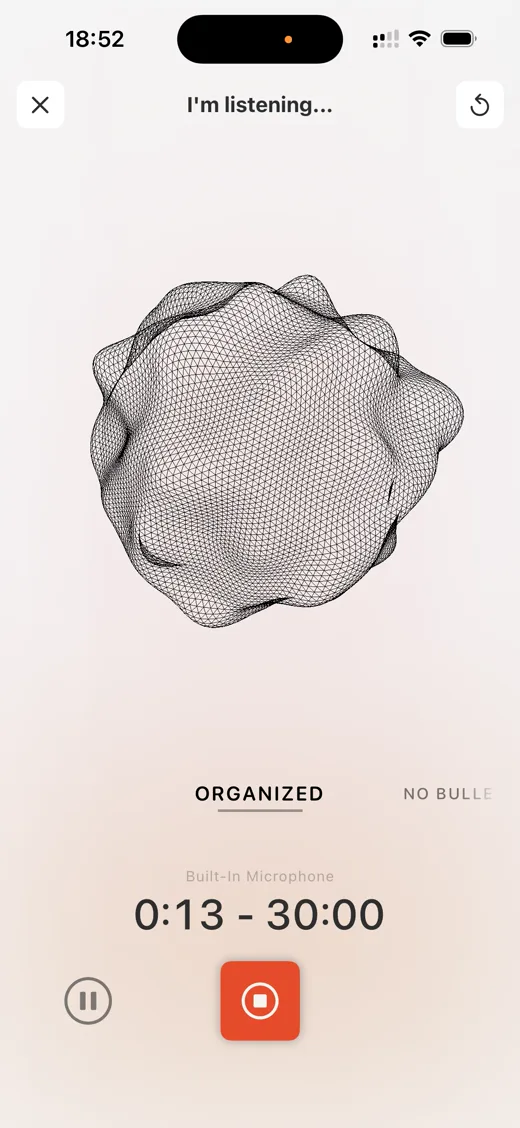
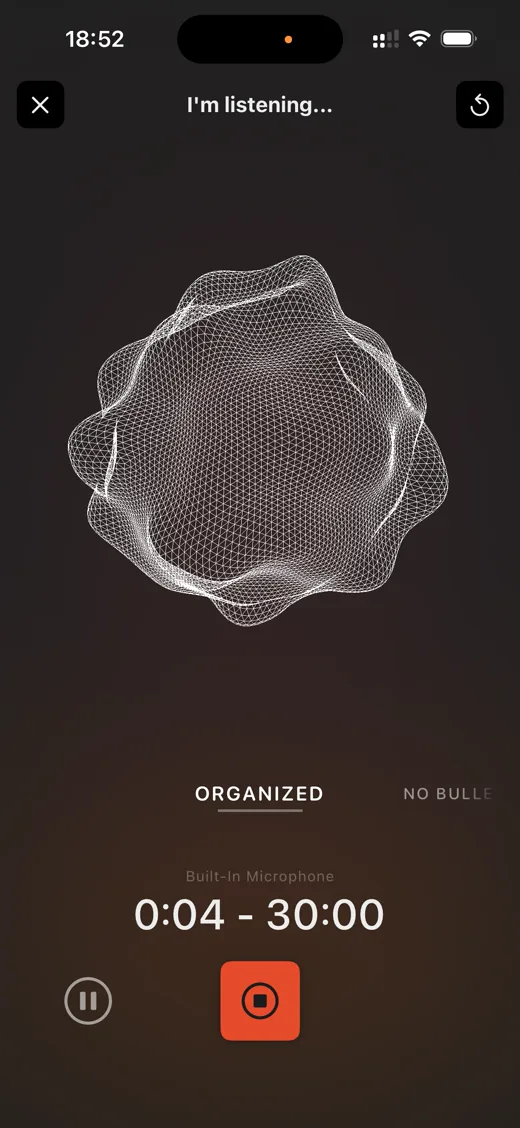
Hit record and just think out loud.
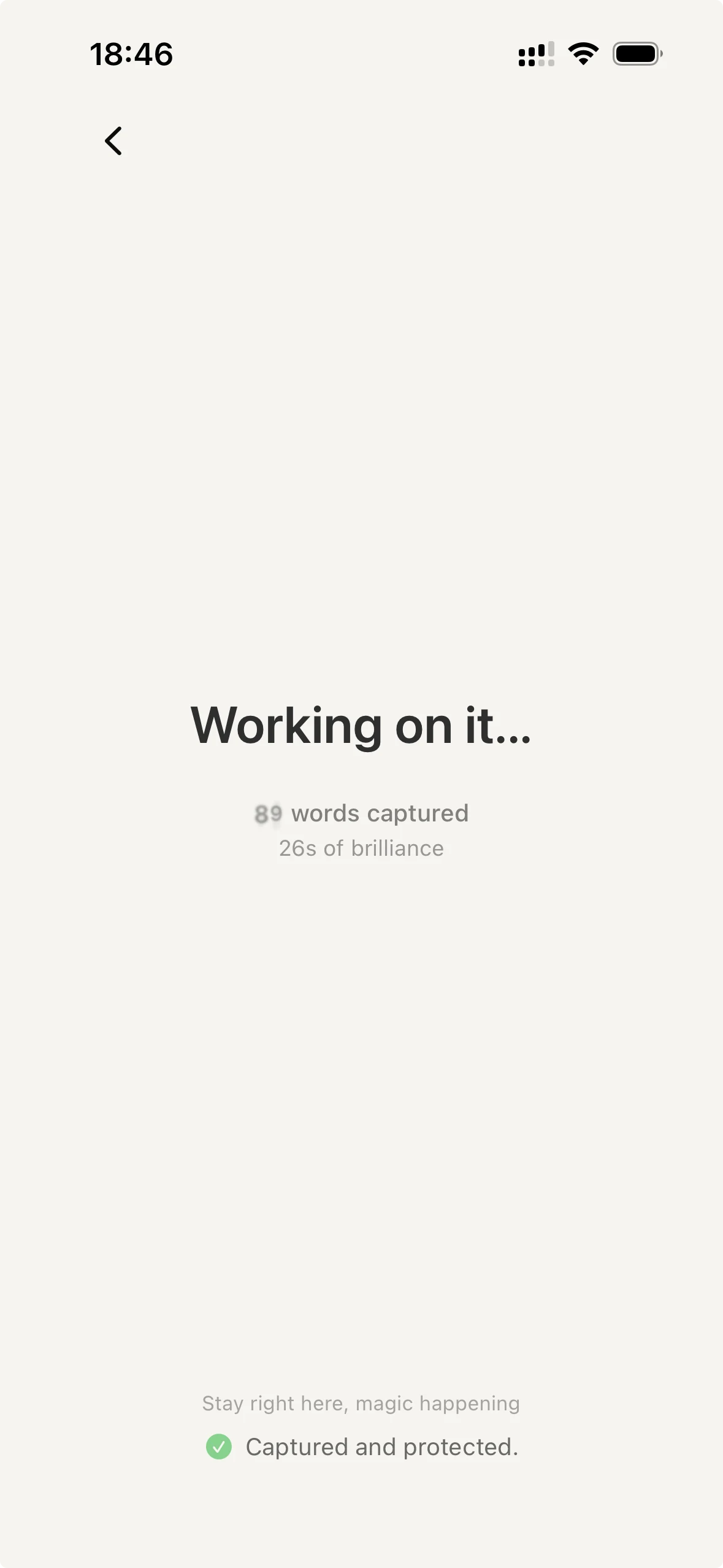
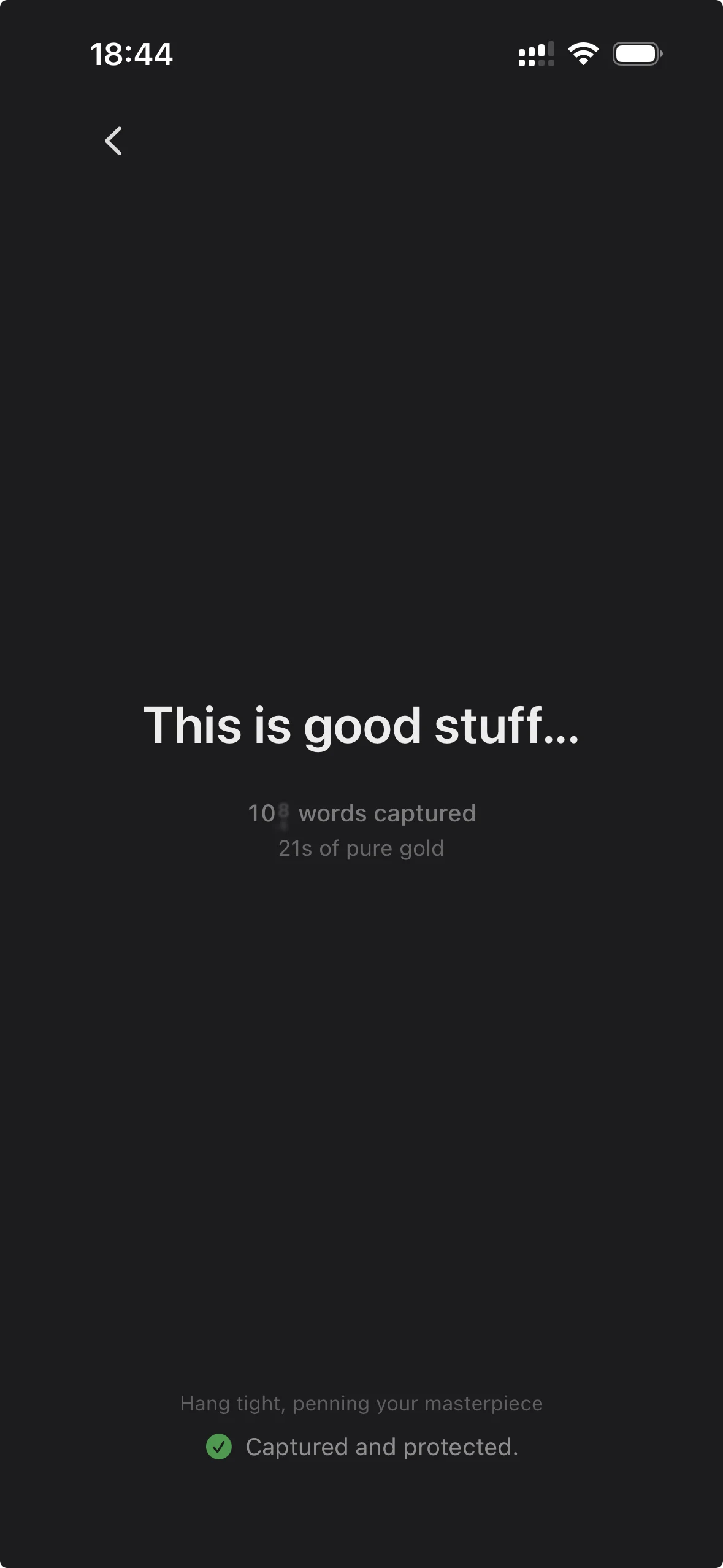
Process
Cleft finds the structure.
It pulls out the main points and actions.
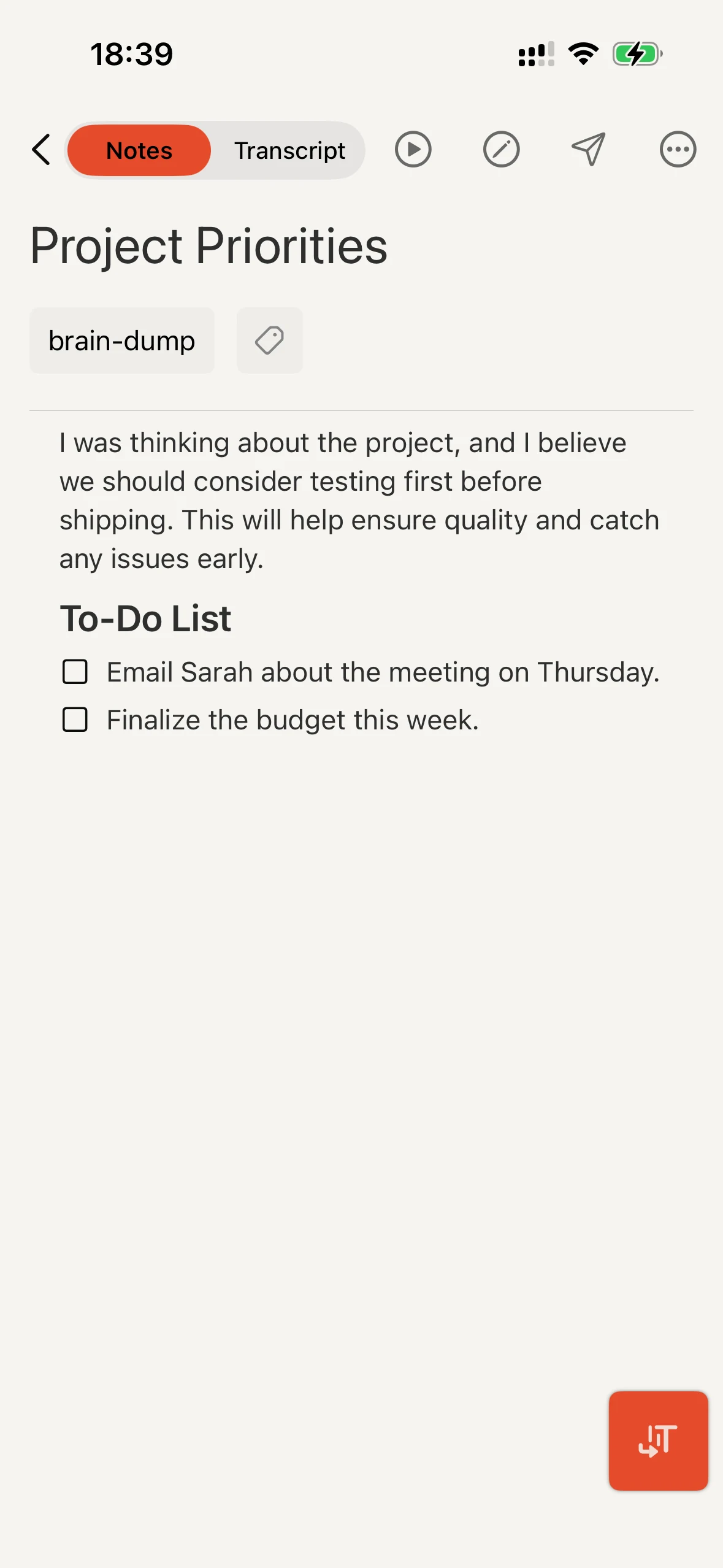
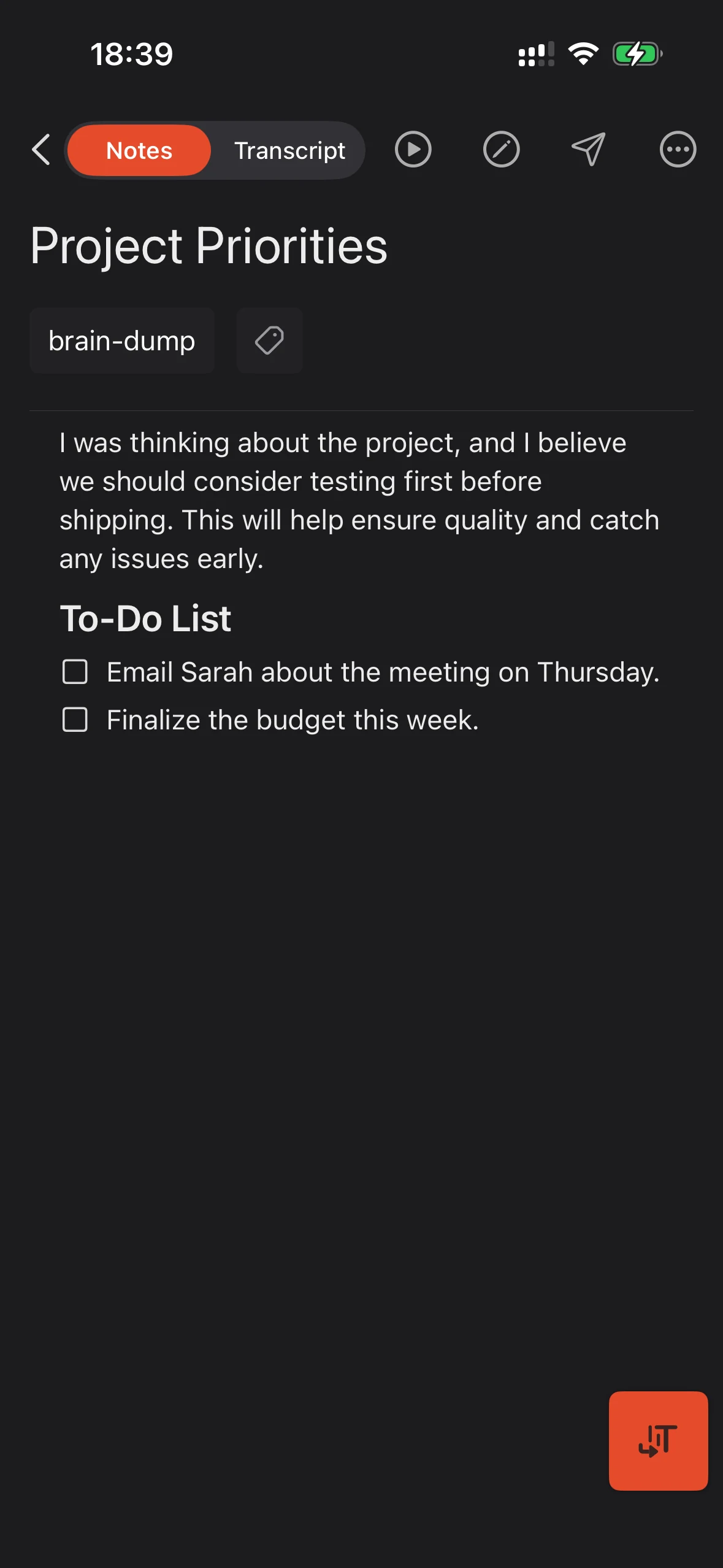
Note
Choose the shape of your note.
Summary, actions, and transcript in one place.
Cleft for CarPlay
Take a voice note from your dashboard.
Start a recording from CarPlay. Cleft turns it into a structured note, ready on your iPhone, iPad, or Mac.
See how CarPlay works →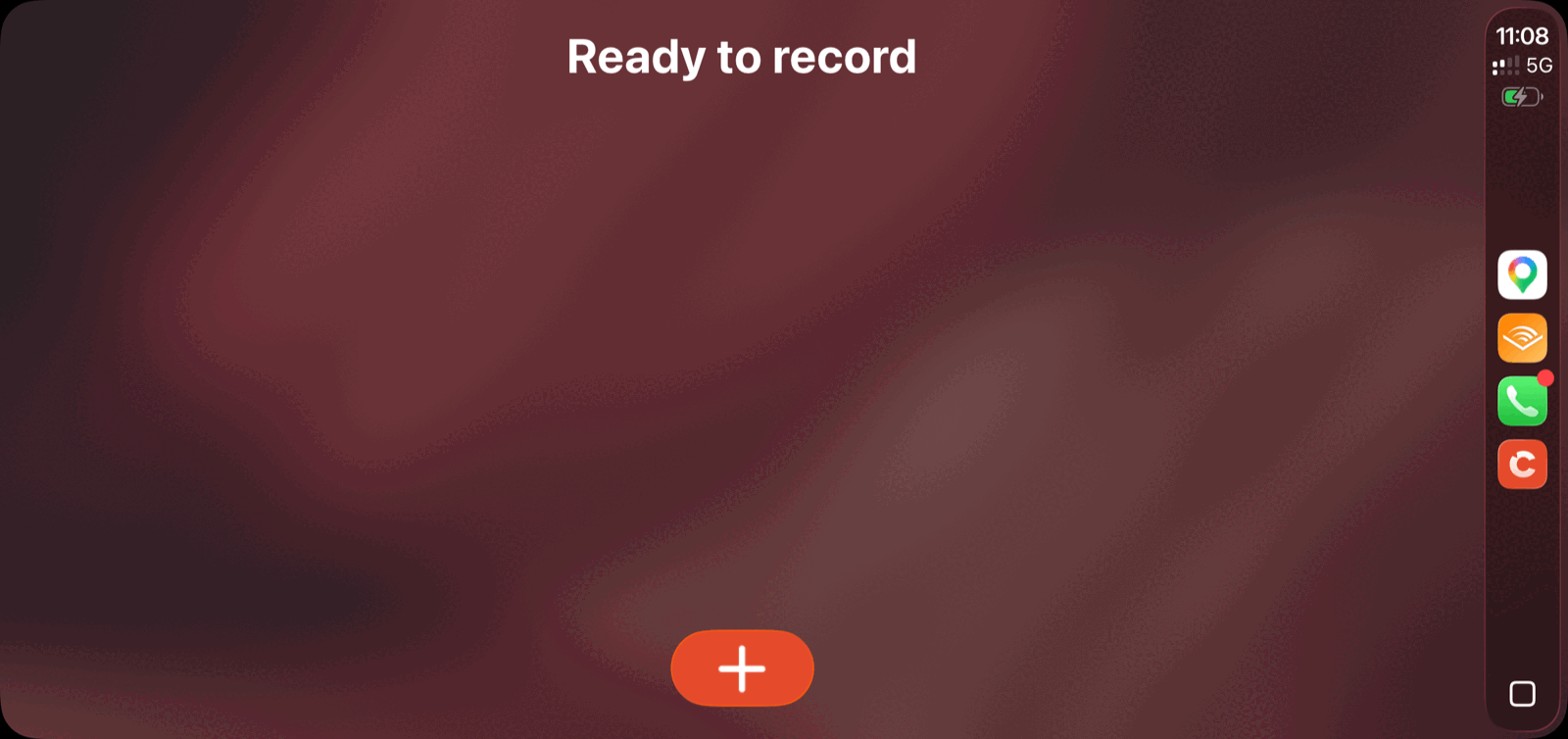
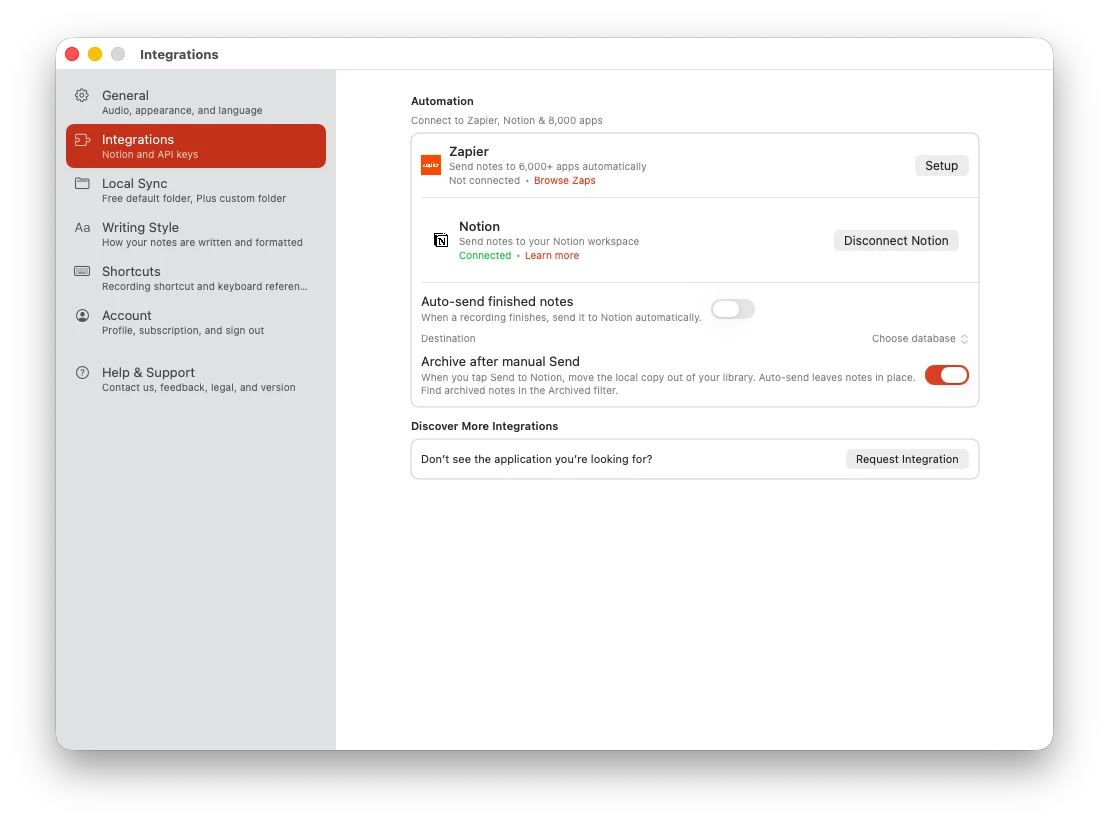
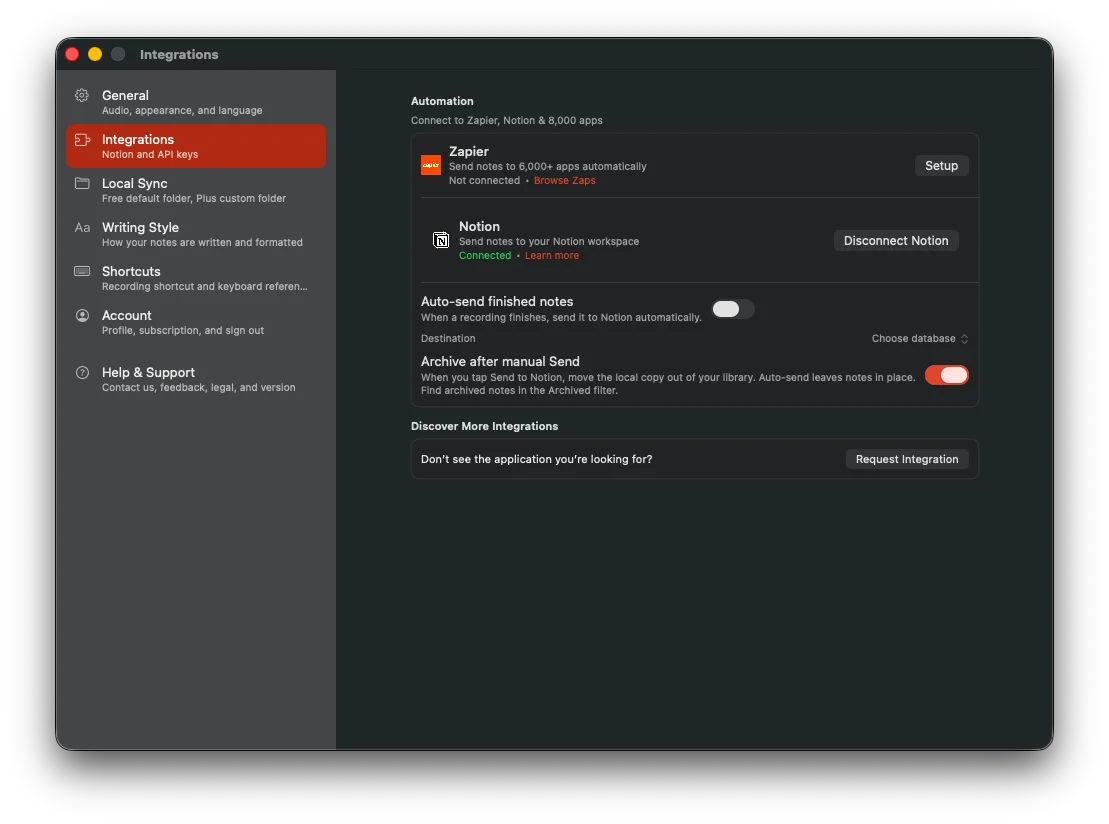
Keep organizing notes where you already do.
Record in Cleft, then send the finished note to Notion, Apple Notes, Obsidian, and more.
Like a camera dial
Same thought, different note.
Pick Structured, Structured Prose, or Clean Transcript from the dial. Plus can save custom styles for repeat formats.
Swipe to compare note styles.
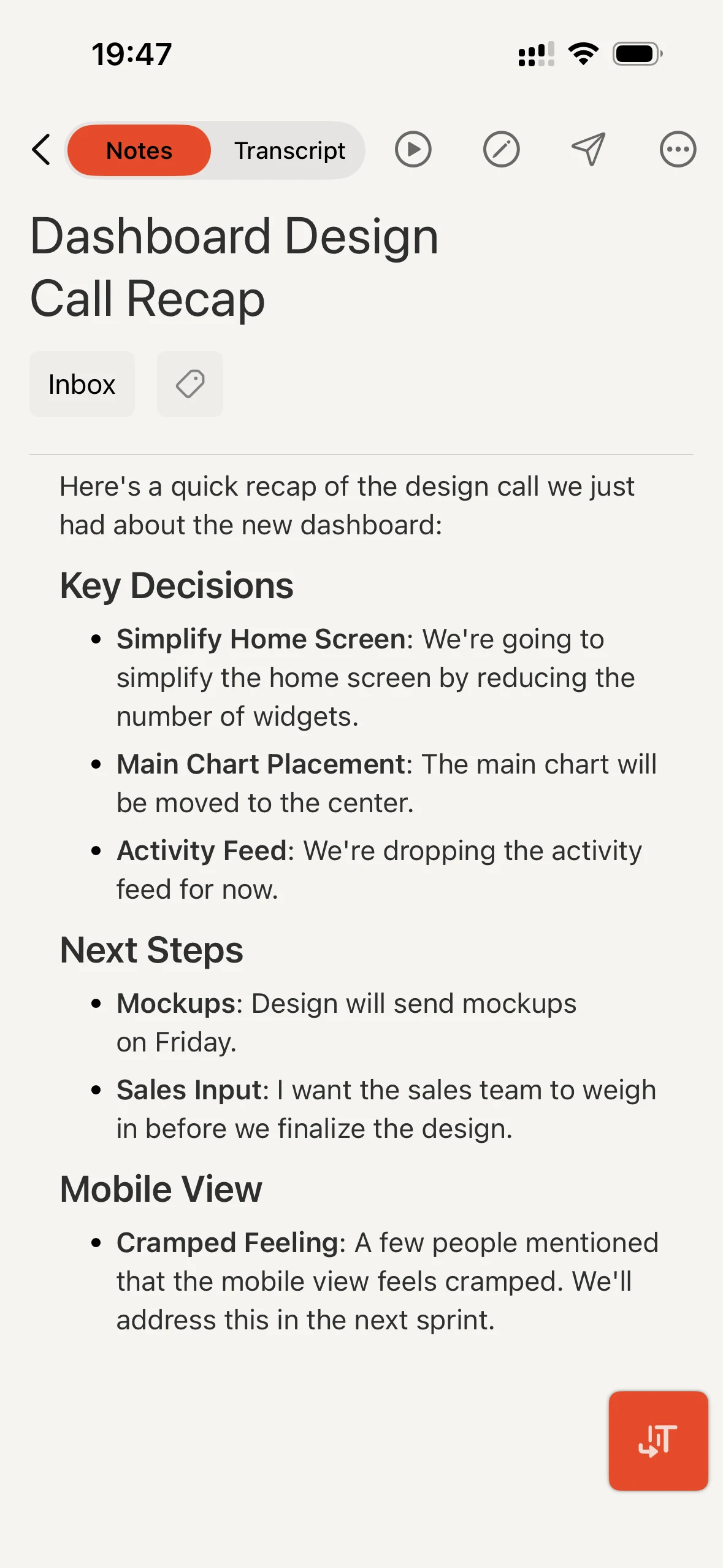
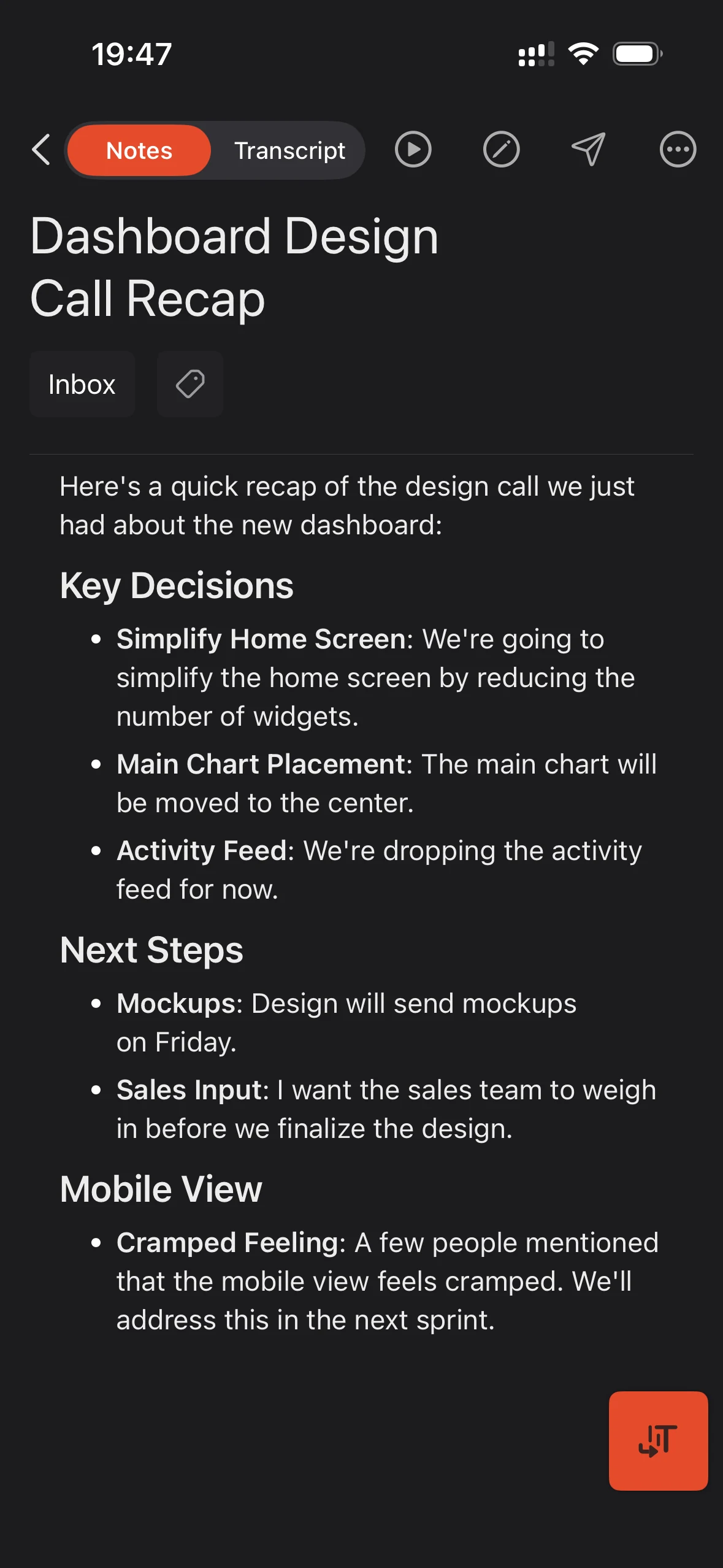
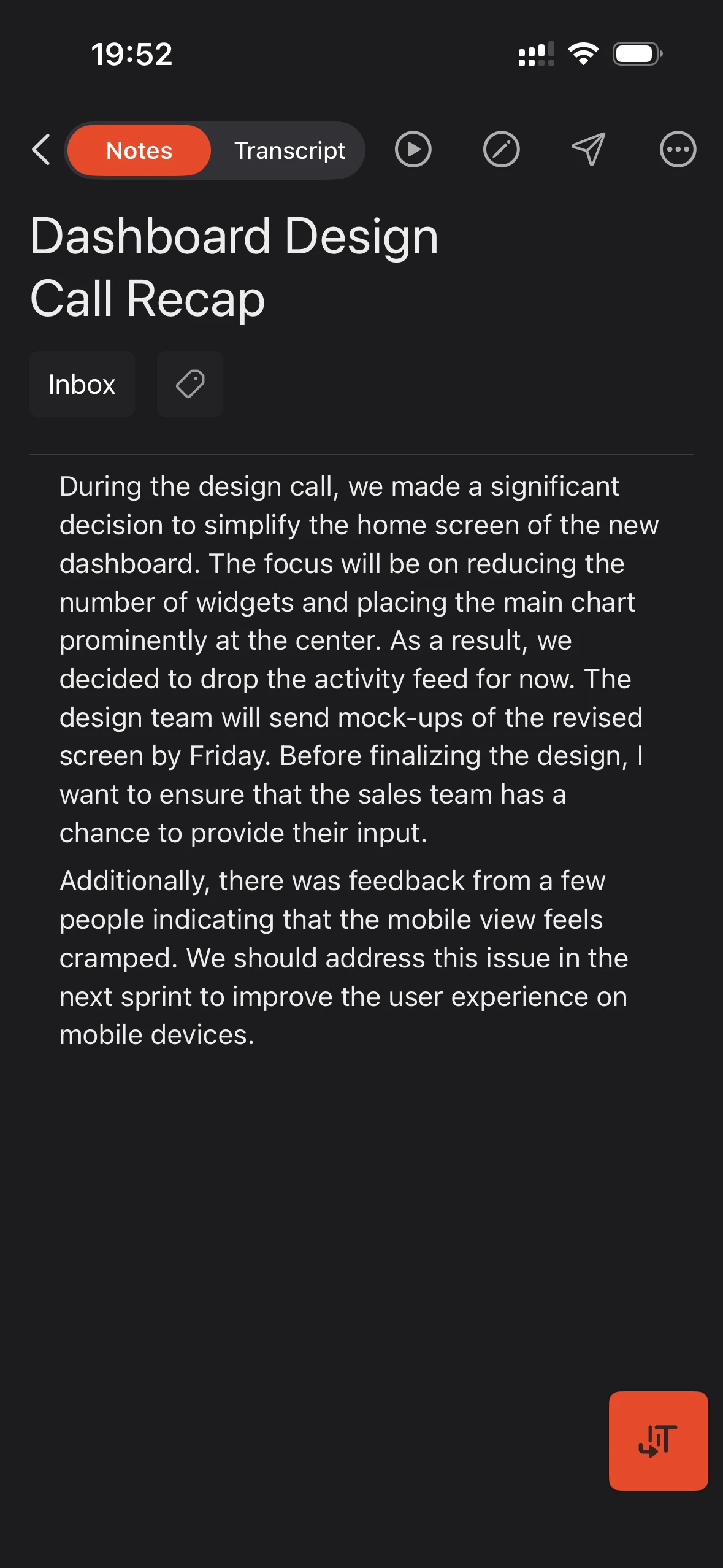
Structured
Clear sections and bullet points.
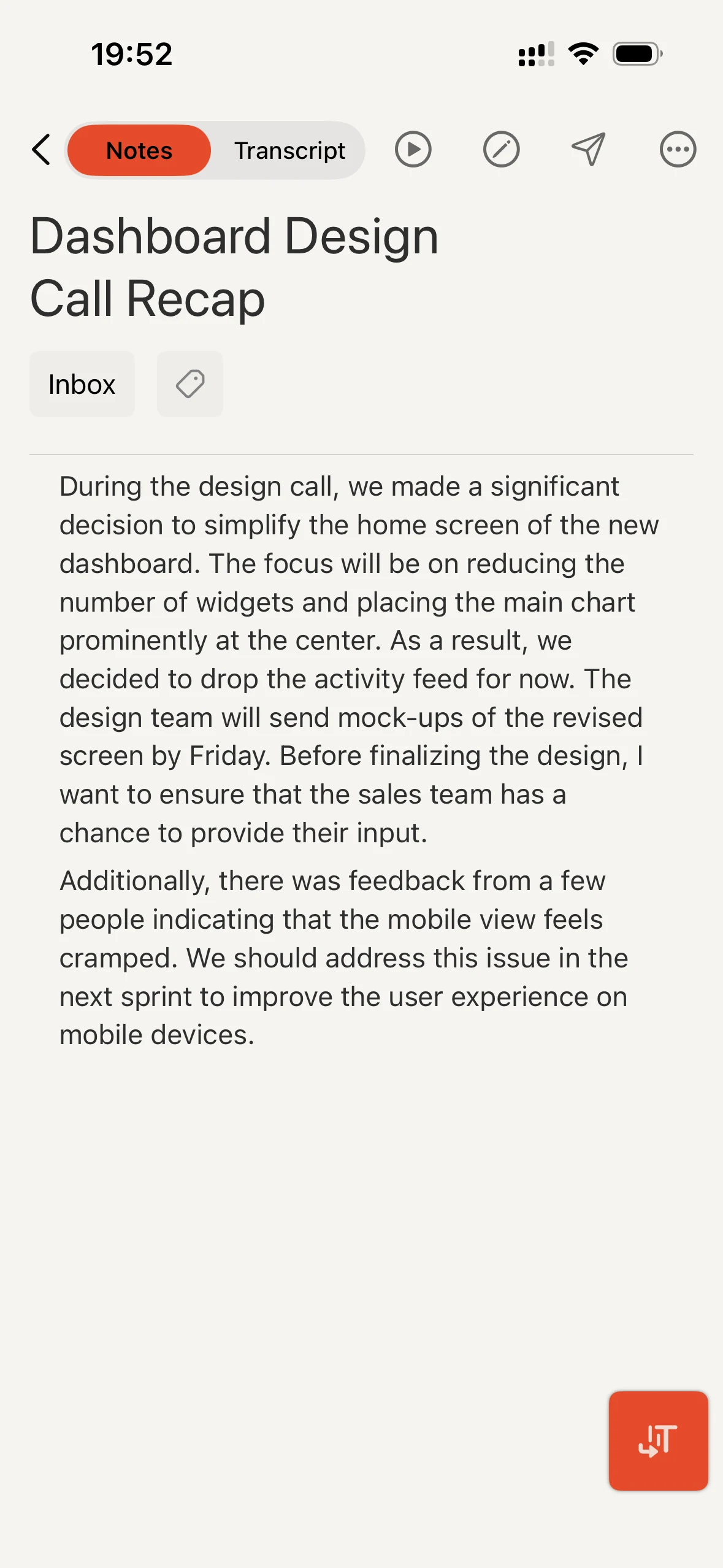
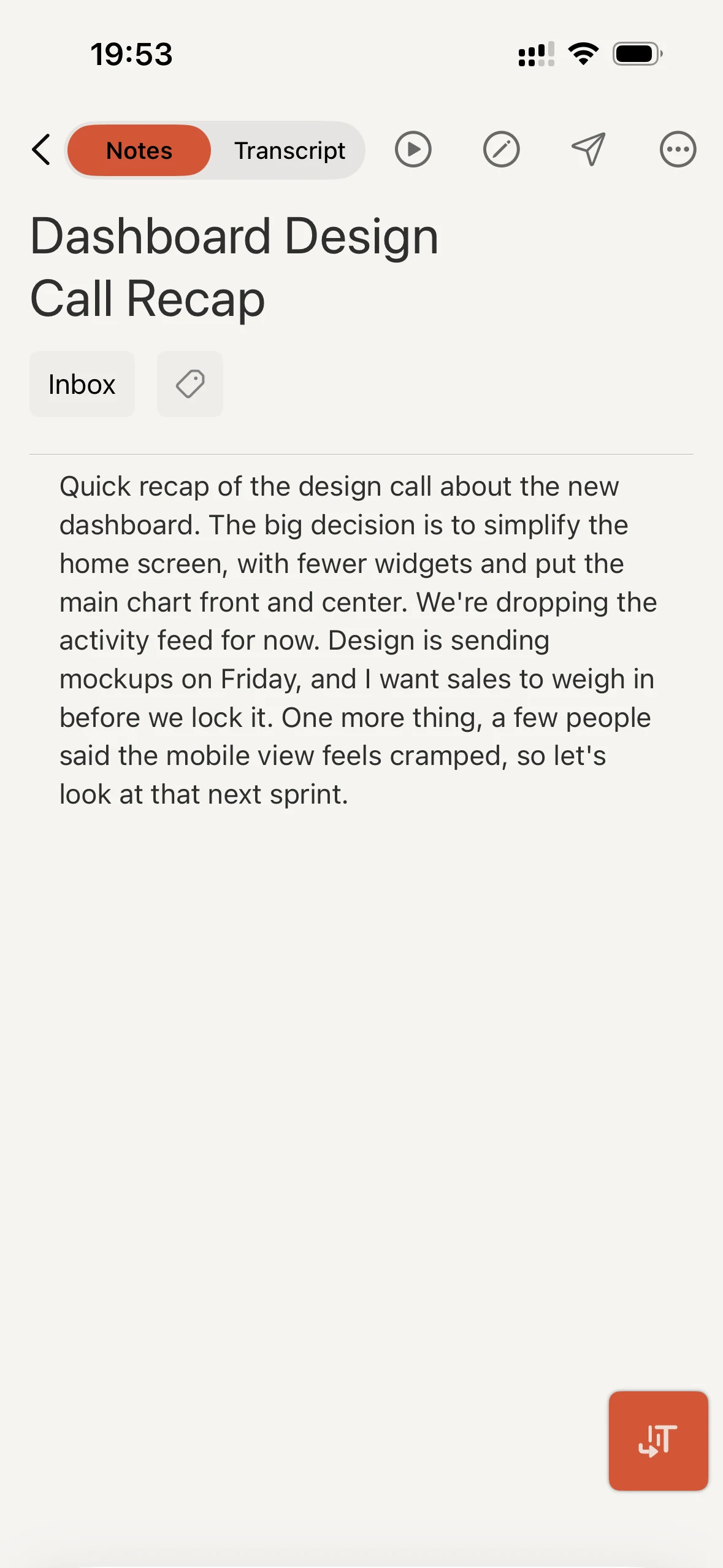
Structured Prose
Clear sections written as flowing paragraphs.
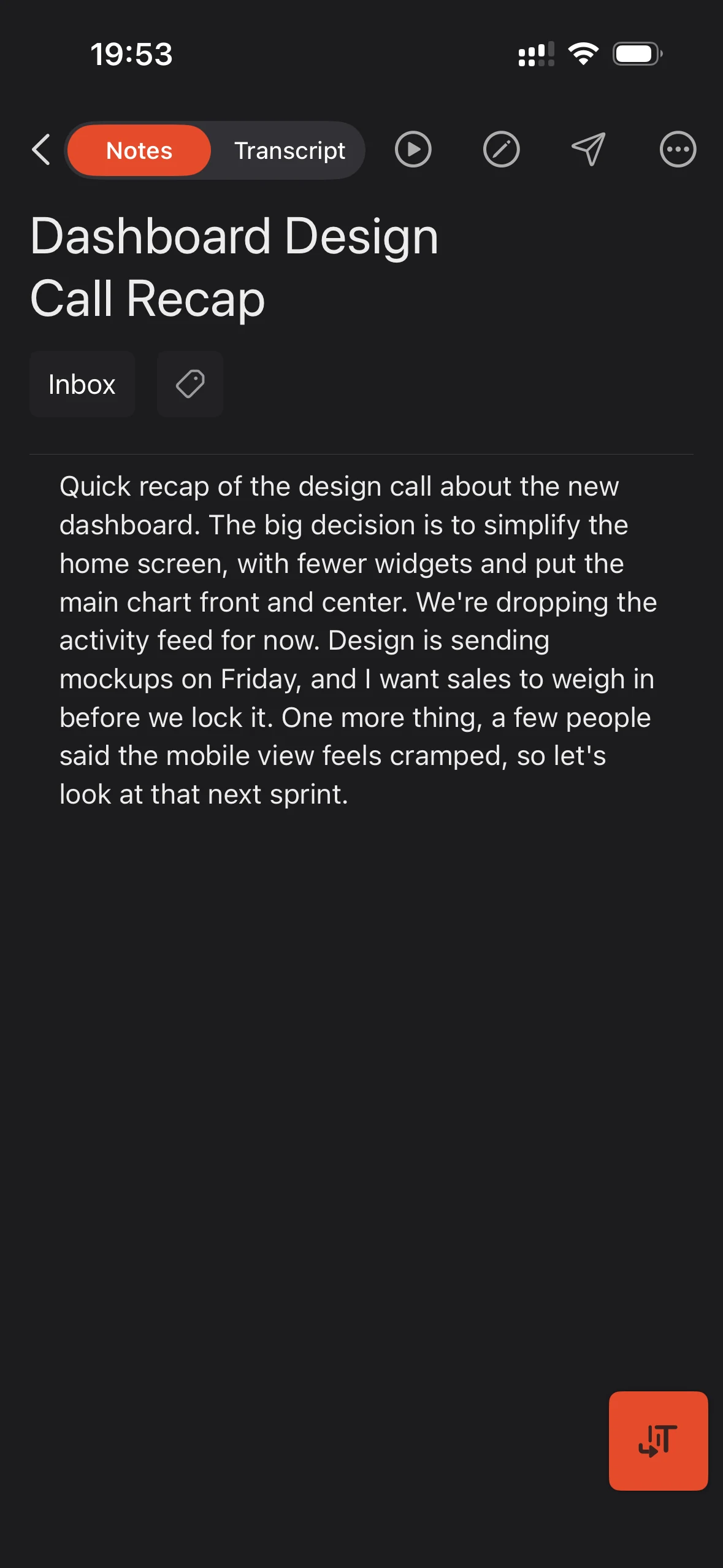
Clean Transcript
A cleaner transcript that stays close to what you said.
You own your thoughts
Transcribes locally
Your recording becomes text on your device. Notes sync securely.
Works offline
Record and transcribe without Wi-Fi.
Capture anywhere
iPhone, iPad, Mac, Watch, and CarPlay.
Built for rocket-fuel brains
“As someone with ADHD, I love this app for processing ideas. I recommend it to all my coaching clients.”
Cleft was built for brains that move faster than fingers can type. You don't need another system to manage. You need capture, not organization.
Rambles welcome. Judgment not included.
Read the ManifestoFrom people already thinking out loud
You literally have built one of the BEST apps for ADHD people.
I was just rambling with my phone on the desk and it got the recording perfect and organized it into topics and steps. Very impressive.
If I'm dictating a to-do list to myself, I use Cleft as it is really good at organizing my ramblings into checklists and bullet point lists.
Independent coverage
Reviews, reporting, and videos from people who tried Cleft for themselves.

Latest from the blog
Cleft 1.14.2 | Clearer and Calmer
Typed notes are quicker to start, synced voice recordings keep playing, background recordings finish, and Mac note controls feel calmer.
Cleft 1.14.1 | Reliable Controls
A focused patch for custom styles, toolbar menus, richer Zapier triggers, and backup folders that identify the Cleft version that made them.
Keep the thought while it's still there.
Record the thought. Get back to your day.

Fast by default. On-device transcription. Sign-in required.